.svg)
Admin Feature
Editing the website is an account owner-level permission. If you don't see this option, contact your account owner to enable these permissions for you.
Learn to create a listing compensation page on your Real Geeks website to advertise your agent compensation packages. This guide, developed due to the recent NAR settlement, provides steps to set up this page, attracting clients and clearly advertising agent concessions on your website. Follow these instructions to create a professional, informative listing that enhances your website's appeal.
Advertise Buyer Compensation
Discover how to build a page that promotes your listings and the resulting compensation for each property.
Instructions
- Visit your Website Administration (Website Editor) Page. You can find this by adding “/admin” to your website’s URL (e.g., www.website.com/admin)
- Under the Pages section, click Content Page
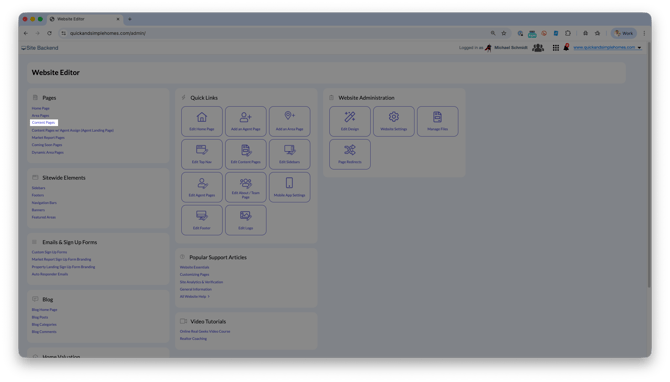
- Select Add Content Page
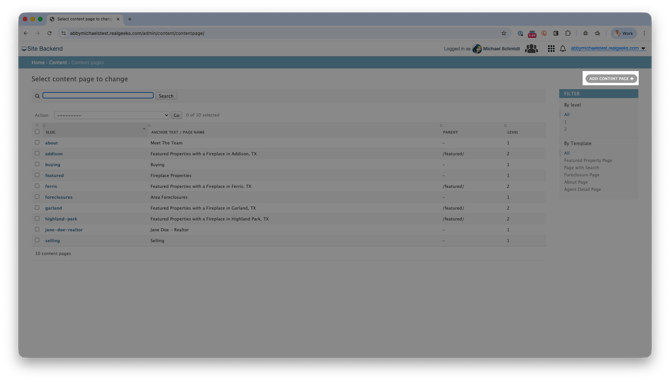
- Enter the page details (Title, Meta Description, Anchor Text, etc.)
- Change the Template menu to Blank Page
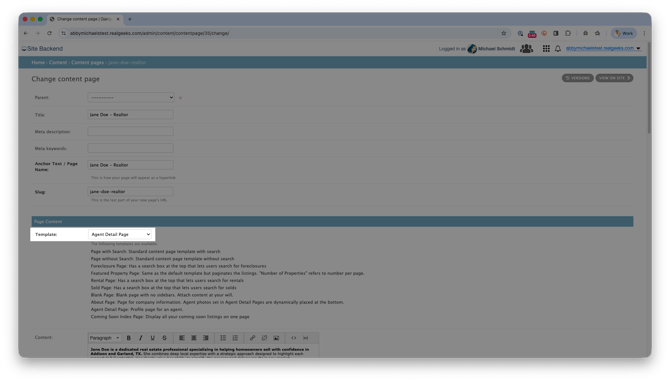
- In the Content field, add a list of your property addresses with the compensation rate next to each listing
- In a new tab, open your website and go to the Address Search tool to search for each property by address
- Copy the property address, then return to the content page
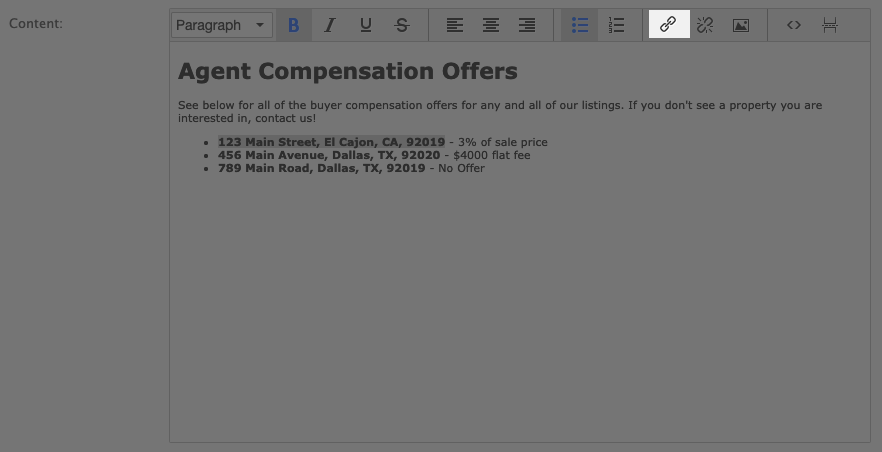
- Highlight the property address and click the Insert/Edit Link button
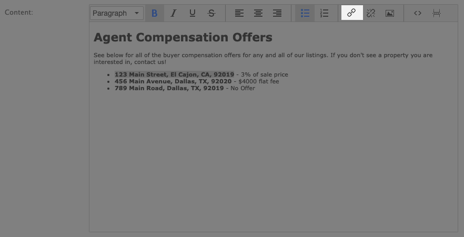
- Paste the URL of your property, then click OK
- After repeating this process for every property, click Save
Compensation Page Template
Agent Compensation Offers
See below for all of the buyer compensation offers for any and all of our listings. If you don't see a property you are interested in, contact us!
-
123 Main Street, El Cajon, CA, 92019 - 3% of sale price
-
456 Main Avenue, San Diego, CA, 92020 - $4000 flat fee
-
789 Main Road, El Cajon, CA, 92019 - No Offer
Advertise Seller Concessions
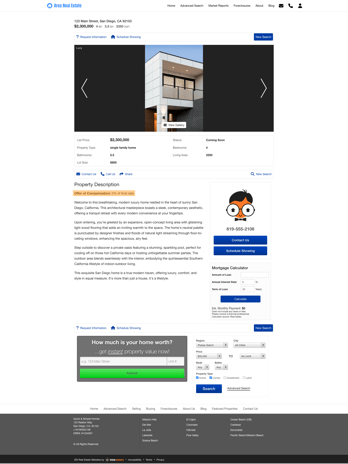
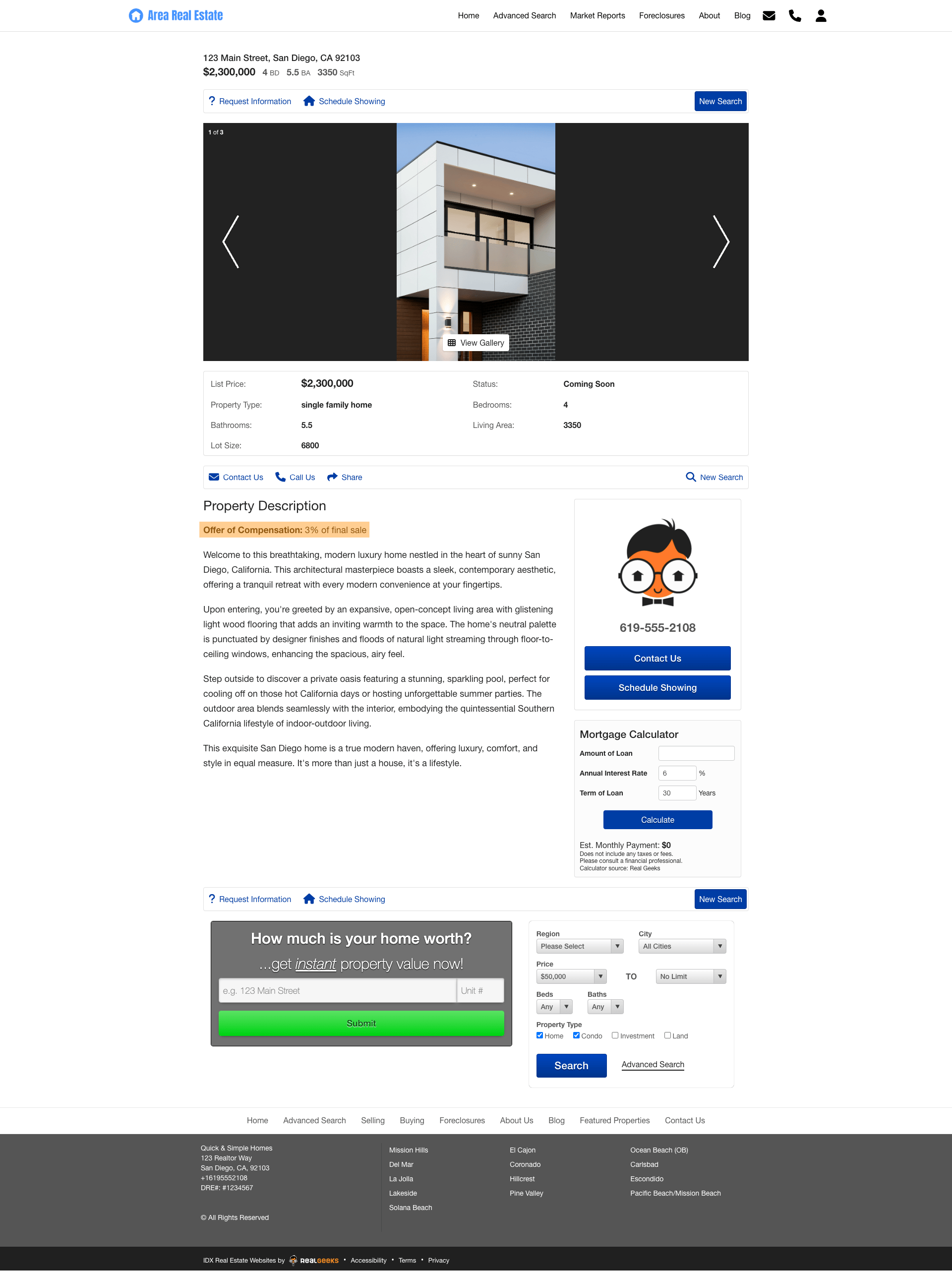
Build a property page that clearly advertises your seller agent compensation directly in the content of the property.
 Instructions
- Visit your Website Administration (Website Editor) Page. You can find this by adding “/admin” to your website’s URL (e.g., www.website.com/admin).
- Click Coming Soon Page
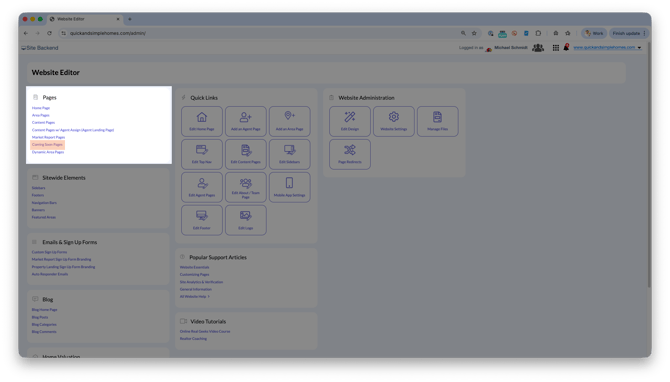
- Select Add Coming Soon Page
- Enter the page details (Title, Meta Description, Anchor Text, etc.)
- Add your listing compensation rate and bio in the Content field
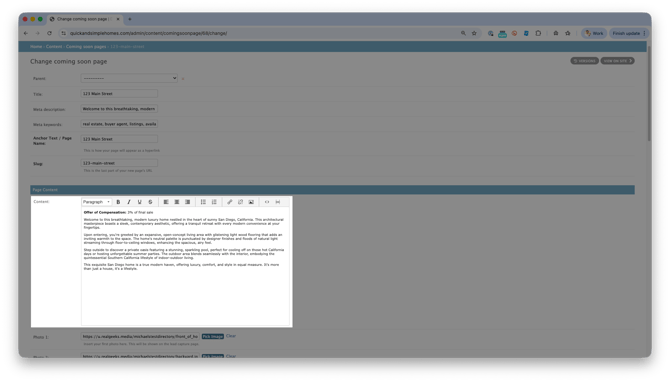
- Add custom property photos by clicking Pick Image. Upload custom images, then select insert next to each image
- Add additional property details such as beds, baths, square footage, listing price, etc…
- Click Save
Convert to a Landing Page
Convert these pages into a landing page to attract new leads.
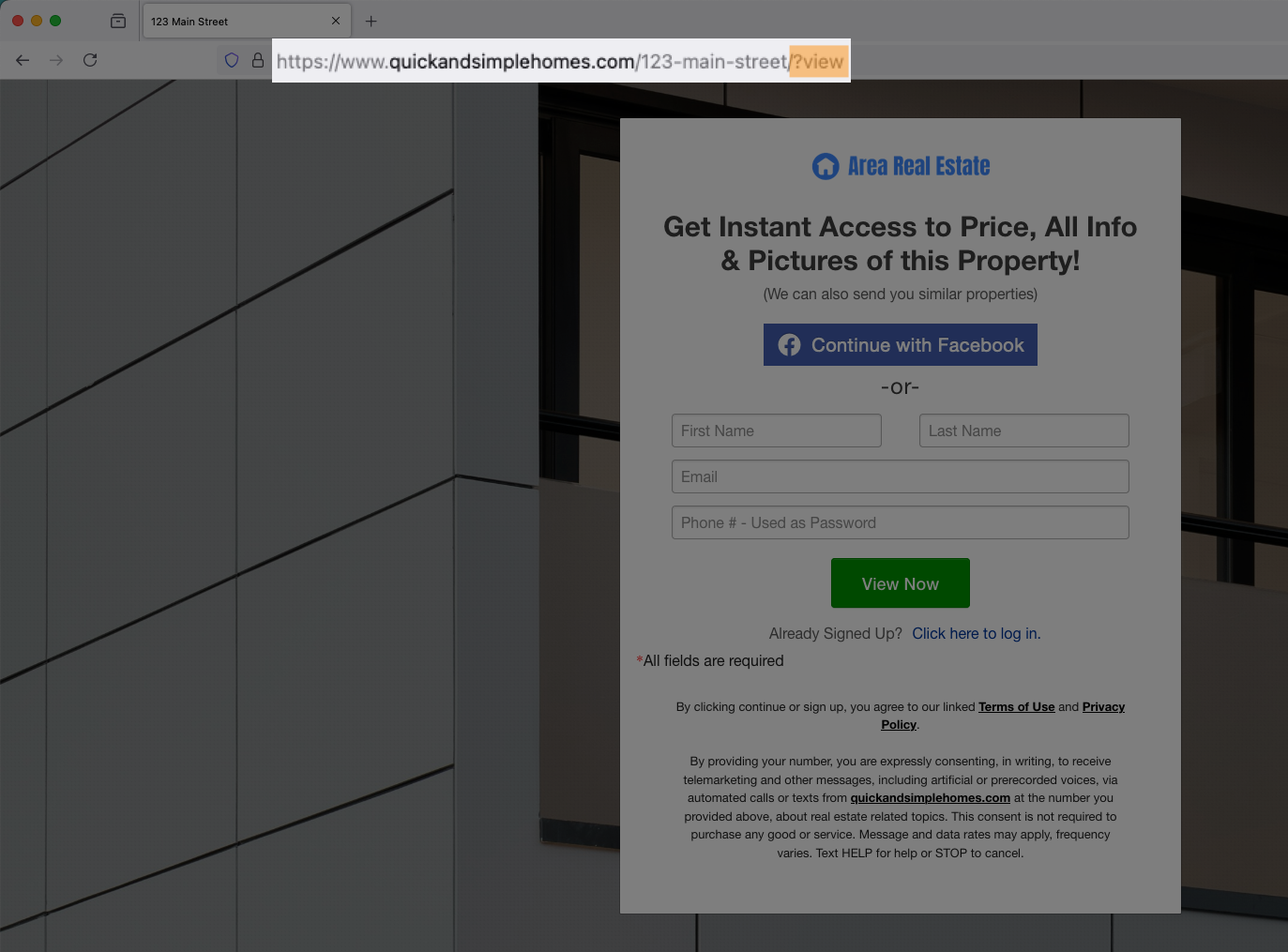
To do this, add /?view at the end of your page URL. For example, the URL for advertising your listing compensation page would look like: www.website.com/123-main-street/?view